Creality Ender 3 V3 SE 3D Printer, 250mm/s, CR Touch Auto-Leveling, Sprite Direct Extruder Review (2026)
Updated September 14, 2026 · Research-based review
Our verdict
This Ender 3 V3 SE listing pairs CR Touch auto leveling with a Sprite direct extruder, the same core platform as Creality's official V3 SE line. It sits mid-pack in the budget and FDM guides, held back by the lack of an enclosure and single-color-only printing. Our score of 8.0 out of 10 fits a dependable entry workhorse.
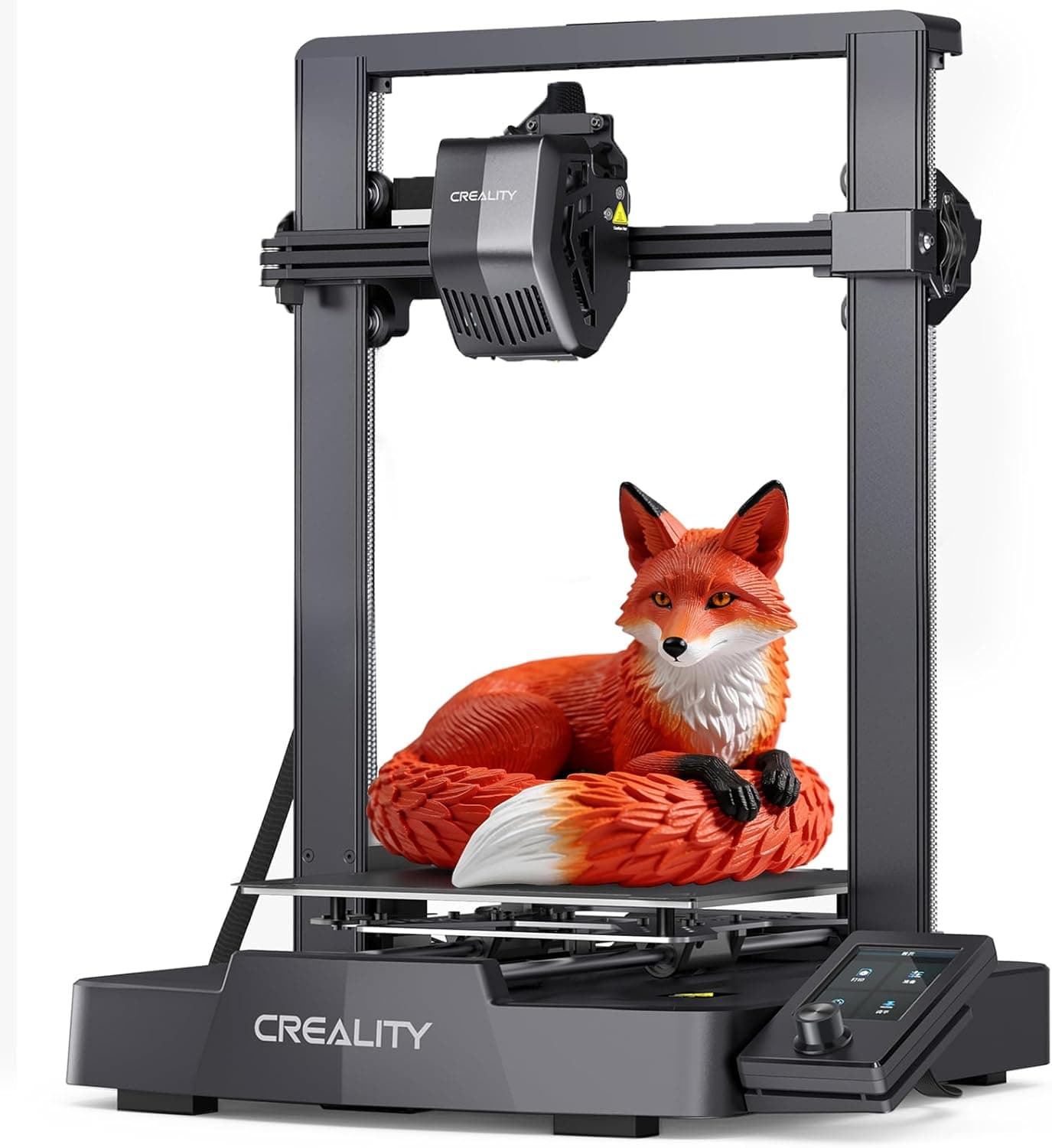
Creality Ender 3 V3 SE with CR Touch auto-leveling and a Sprite direct extruder, a solid entry FDM workhorse.
Price range: See on Amazon
What we liked
- + CR Touch probe keeps first layers consistent with little fiddling
- + 250mm/s rated speed keeps everyday PLA jobs moving along
- + Direct extruder feeds TPU more reliably than Bowden budget printers
Trade-offs
- - No enclosure, so ABS and ASA prints are prone to warping
- - Single-color printing only without extra add-on hardware
Who this listing suits
This Ender 3 V3 SE listing fits buyers who want the well-known CR Touch and Sprite extruder combination without paying extra for features they will not use. It sits third of seven in the site's budget printer guide and fifth of seven in the FDM guide, positions that reflect a genuinely capable entry printer competing against faster or more automated rivals rather than a weak product. It suits hobbyists printing PLA parts, functional prototypes, and TPU projects where a direct extruder feeds flexible filament more reliably than a Bowden setup. Because it lacks an enclosure and multi-color hardware, it fits users focused on single-material, single-color prints more than anyone planning frequent ABS jobs or wanting the built-in color switching found on some pricier rivals in the same guides.
The hardware behind the listing
The listing specifies CR Touch auto-leveling, which uses a probe to map the bed and remove manual leveling steps, and a Sprite direct drive extruder mounted close to the nozzle for more consistent extrusion with PLA, PETG, and TPU than older Bowden-style Ender printers. A 250mm/s rated top speed and dual Z-axis plus Y-axis construction are built to keep the printer stable as it moves faster than earlier Ender 3 generations. Auto-load filament handling simplifies loading a new spool through the onboard menu rather than manually feeding filament to the hot end. This is the same CR Touch and Sprite extruder platform documented on Creality's own product pages for the V3 SE line, sold here through a separate listing with its own bundled accessories and seller support.
Setup, daily use and care
Expect a similar assembly experience to other Ender 3 V3 SE listings, with most of the gantry and frame pre-built and a guided leveling routine to run before the first print. Because the frame is open rather than enclosed, ABS and ASA prints are more prone to warping from drafts and temperature swings than they would be inside a closed chamber, so PLA and PETG remain the more forgiving day-to-day materials. The direct extruder handles TPU noticeably better than Bowden-style budget printers, which matters for anyone printing gaskets, phone cases, or other flexible parts. Ongoing care is straightforward: keep the CR Touch probe clean, wipe the bed for adhesion between prints, and check belt tension periodically as the printer accumulates hours.
How it compares in the site's guides
In the budget guide, the official Ender-3 V3 SE listing scores 8.4 and the ELEGOO Neptune 4 scores 8.3, both ahead of this listing on the site's fit and features criteria despite sharing similar core hardware in the Creality entry's case. In the FDM guide, the Bambu Lab A1 leads at 9.2 with automatic calibration and multi-color capability, and the Bambu Lab P1S follows at 8.8 with an enclosed chamber, both offering features this open, single-color printer does not include. Against the Sovol SV06 Plus, also scoring 8.0, this listing's advantage is the well-supported Ender ecosystem and simple auto-leveling workflow rather than any edge in build volume or extra hardware.
Verdict and who should pick something else
Choose this listing if you want the dependable CR Touch and Sprite extruder combination at a straightforward price, without needing multi-color printing or an enclosed chamber. It holds a solid, middle-of-guide position because the underlying platform is proven, even though newer rivals now match or beat it on speed and automation. Buyers who want a faster rated top speed and Klipper-level tuning should look at the Neptune 4, and anyone wanting hands-off calibration or built-in multi-color output should consider the Bambu Lab A1 instead. For a straightforward single-color FDM printer built around PLA, PETG, and TPU projects, this remains a solid, if not class-leading, choice.
Frequently asked questions
Does this listing include CR Touch auto leveling?
Yes, the listing specifies CR Touch automatic bed leveling, which uses a probe to map the bed and remove most manual leveling steps before a print.
Can it print more than one color?
No, this is a single-color printer without built-in multi-color hardware, unlike some rivals in the site's FDM guide such as the Bambu Lab A1.
Is this the same printer as Creality's official Ender-3 V3 SE listing?
It uses the same CR Touch and Sprite direct extruder platform documented on Creality's product pages for the V3 SE line, though it is sold as a separate listing with its own accessories and seller support.
What materials handle best on this printer?
PLA, PETG, and TPU print most reliably given the direct extruder and open, non-enclosed frame, while ABS and ASA are more prone to warping without an enclosure.
Prices change often, so check the current price and availability on Amazon.
Check price on AmazonFilament Print Lab may earn a commission from the link above.