Part Cooling and Print Quality
Published How we research
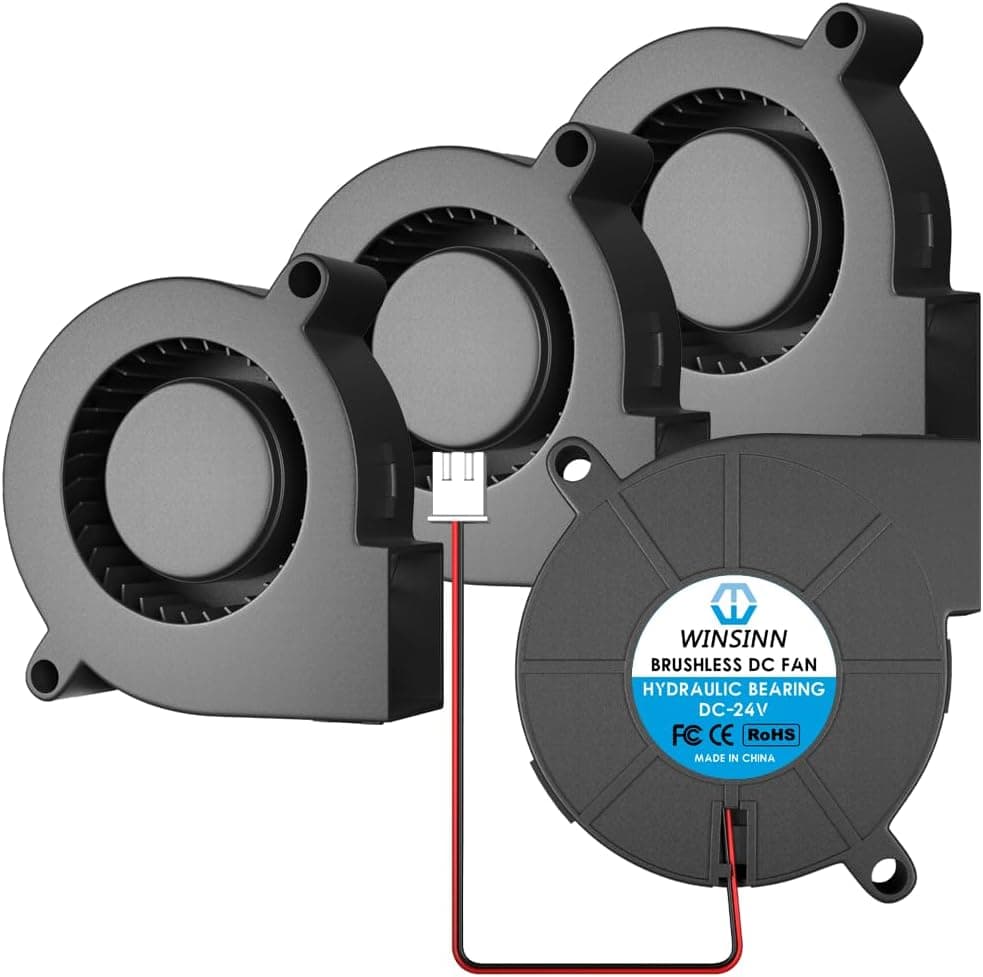
Part cooling is the airflow directed at the plastic just after it leaves the nozzle, and it has a large effect on print quality. As each line is laid down, the fan solidifies it quickly so it holds its shape before the next layer arrives. Good cooling produces crisp overhangs, clean bridges, sharp detail, and well-defined small features. Poor cooling leaves droopy overhangs and blobby corners.
Products from this article
The highest-scoring picks from the buying guides this article links to. Scores are our editorial assessment, not customer ratings.
+ 5015 blower is the go-to size for strong part cooling airflow
From our guide: Best 3D Printer Part Cooling Fans
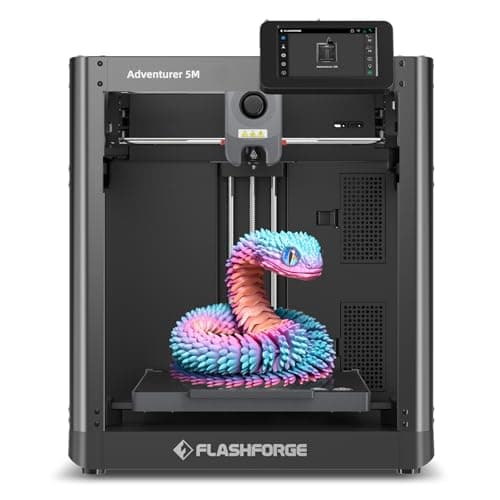
+ Automatic bed leveling with no manual adjustment, plus a dual-sided PEI platform for easy removal
From our guide: Best Budget 3D Printers for Value Under Pressure (2026)
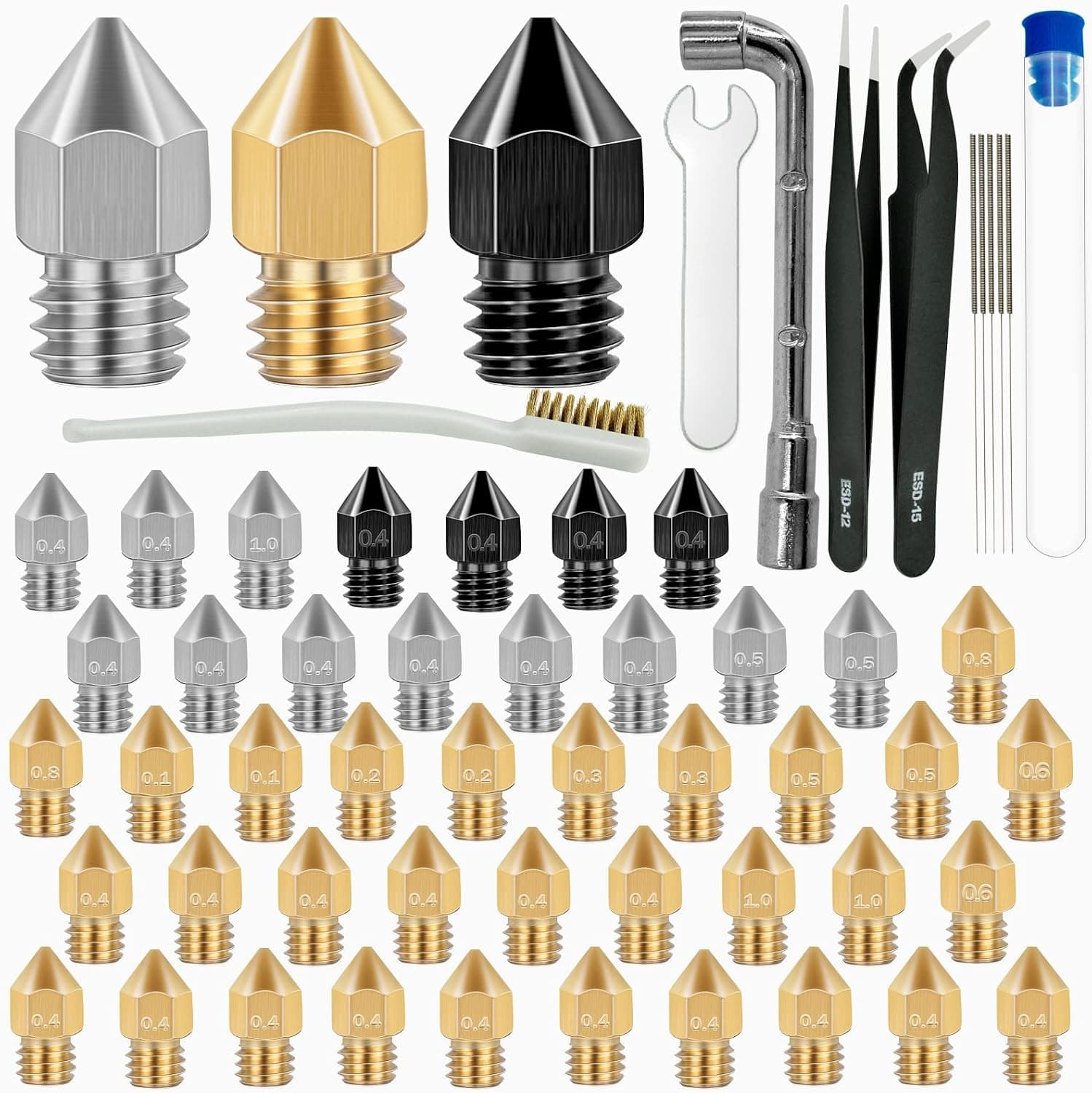
+ Hardened, stainless and brass in one set cover most filament types
From our guide: Best Nozzle Kits for Every Filament and Detail Level (2026)
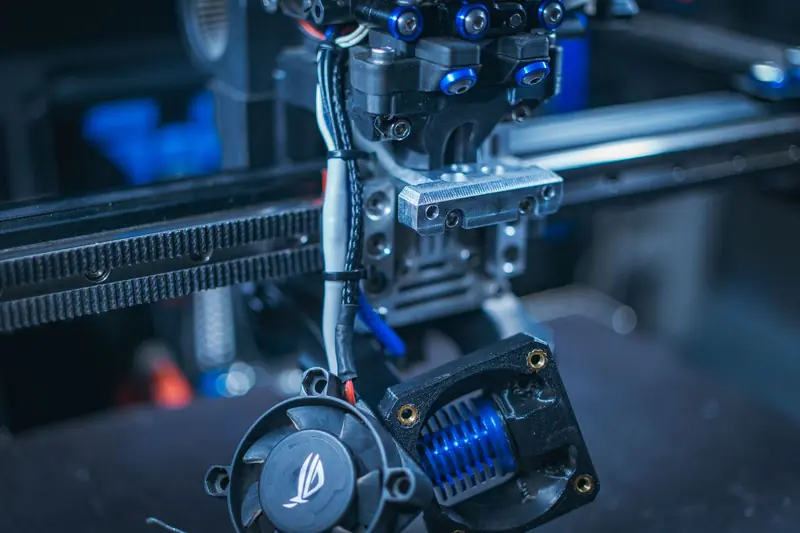
+ Includes both the hotend axial fan and part cooling blower
From our guide: Best 3D Printer Part Cooling Fans

The catch is that cooling and layer strength pull in opposite directions. Rapid cooling freezes each layer before it can fully fuse to the one below, which weakens the bond between layers. That is why a fast-cooled PLA print looks beautiful but can split along layer lines under stress. Tuning part cooling is a balance between surface quality and mechanical strength, decided by what the part is for.
Materials have very different cooling needs. PLA loves maximum cooling and usually runs the fan at or near 100 percent after the first few layers. PETG wants moderate cooling, often 30 to 60 percent, because too much fan ruins its layer adhesion and makes it brittle. ABS and ASA generally want little or no part cooling, since they need to stay warm to avoid warping and cracking, which is also why they live in enclosures.
The first layers are a special case regardless of material. Keep the fan off or very low for the first two or three layers so the print bonds firmly to the bed. Blasting cold air at the fresh first layer is a common cause of corners lifting and prints detaching. Most slicers ramp fan speed up gradually over the opening layers for exactly this reason.
Small and detailed prints benefit from extra cooling help. When layers are tiny, each one is laid in a second or two and has no time to cool before the nozzle returns. A minimum layer time setting slows the print on small layers so they can solidify, and combining it with strong cooling keeps fine features sharp. Without it, small towers and pointed tips melt into soft blobs.
Hardware quality affects results too. A weak stock fan or a poorly designed duct that does not aim air at the nozzle tip limits how much cooling you can actually deliver. Upgraded ducts and stronger fans are among the more worthwhile modifications for anyone printing detailed PLA. Whatever the setup, dial fan speed per material in your slicer profiles rather than using one setting for everything.
Set fan behavior per material in your slicer and save it into each profile so you never have to remember mid-print. A PLA profile with full cooling after the first layers, a PETG profile with moderate airflow, and an ABS profile with cooling off covers most work. Once these are dialed in, part quality becomes far more consistent because the right cooling is applied automatically to each job.
Popular right now
- 3D Printing Supports GuideArticle
- Best Resin 3D Printers for Sharp, Detailed Models (2026)Buying guide
- Best PTFE Tubing for Smooth Filament Feeding (2026)Buying guide
- Best Beginner 3D Printers for a Smooth First Print (2026)Buying guide
- 3D Printer Filament Temperature ChartArticle
- Best Budget 3D Printers for Value Under Pressure (2026)Buying guide
Based on the last 28 days of search and visitor data.