3D Printer Maintenance Schedule to Keep Prints Reliable
Published How we research
A little routine maintenance prevents most sudden failures. Daily: wipe the plate, clear nozzle ooze, watch the first layer. Weekly: check belt tension, feel for play in wheels and bearings, confirm fans spin freely. Monthly: lubricate rails and lead screws, tighten frame bolts, inspect the nozzle for wear. Track consumables (nozzles, PTFE liners, build surfaces) and replace them proactively, since a gradual quality decline usually means something is quietly due for service. A little routine maintenance prevents most of the sudden failures that frustrate 3D printing. Like any machine with motors, belts, and moving parts, a printer drifts out of tune as things wear, loosen, and collect dust. A simple schedule of small checks keeps it running reliably and catches problems while they are cheap to fix.
Products from this article
The highest-scoring picks from the buying guides this article links to. Scores are our editorial assessment, not customer ratings.
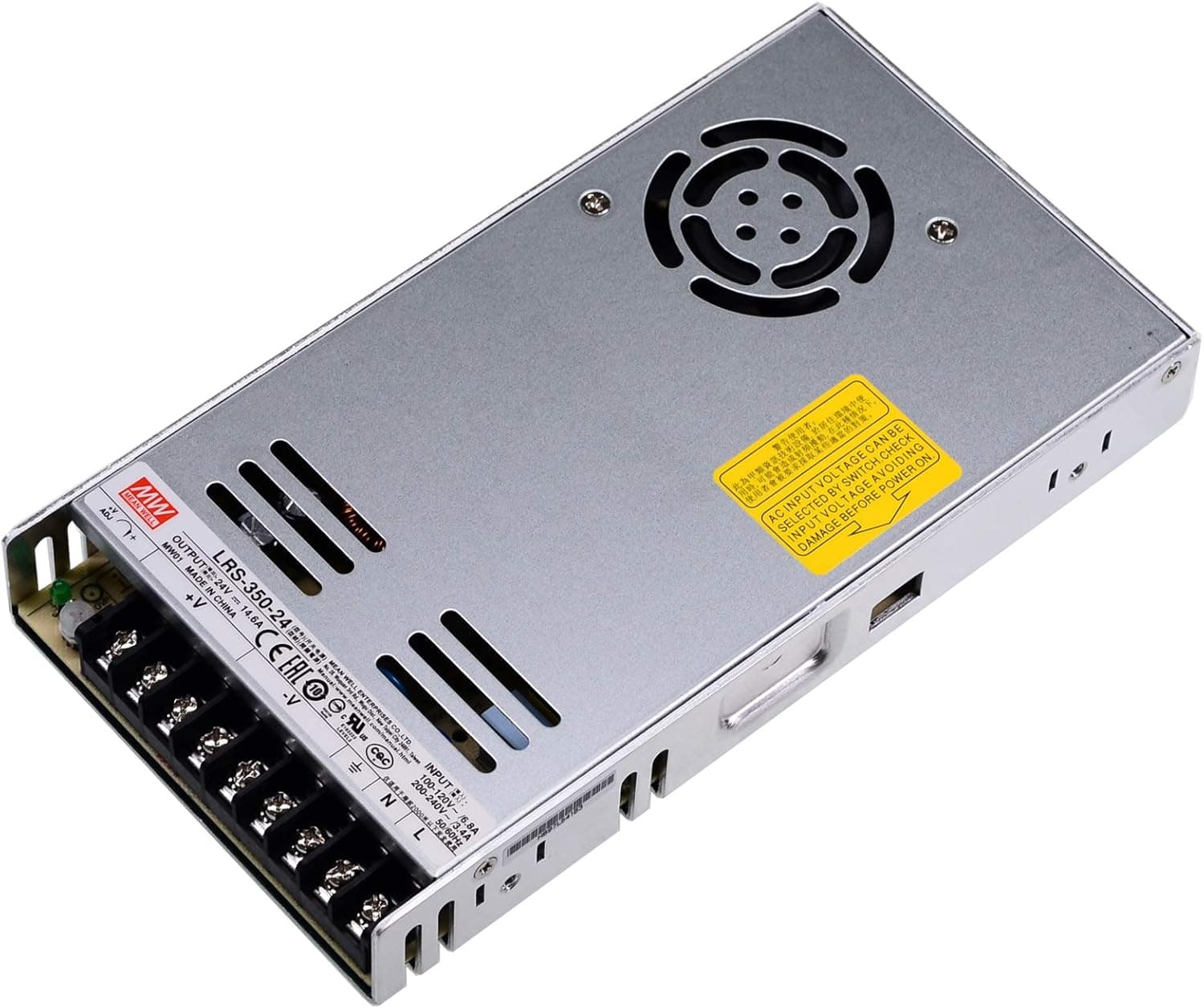
+ Mean Well is a trusted power supply brand for printer builds
From our guide: Best 3D Printer Power Supplies for Stable Power (2026)
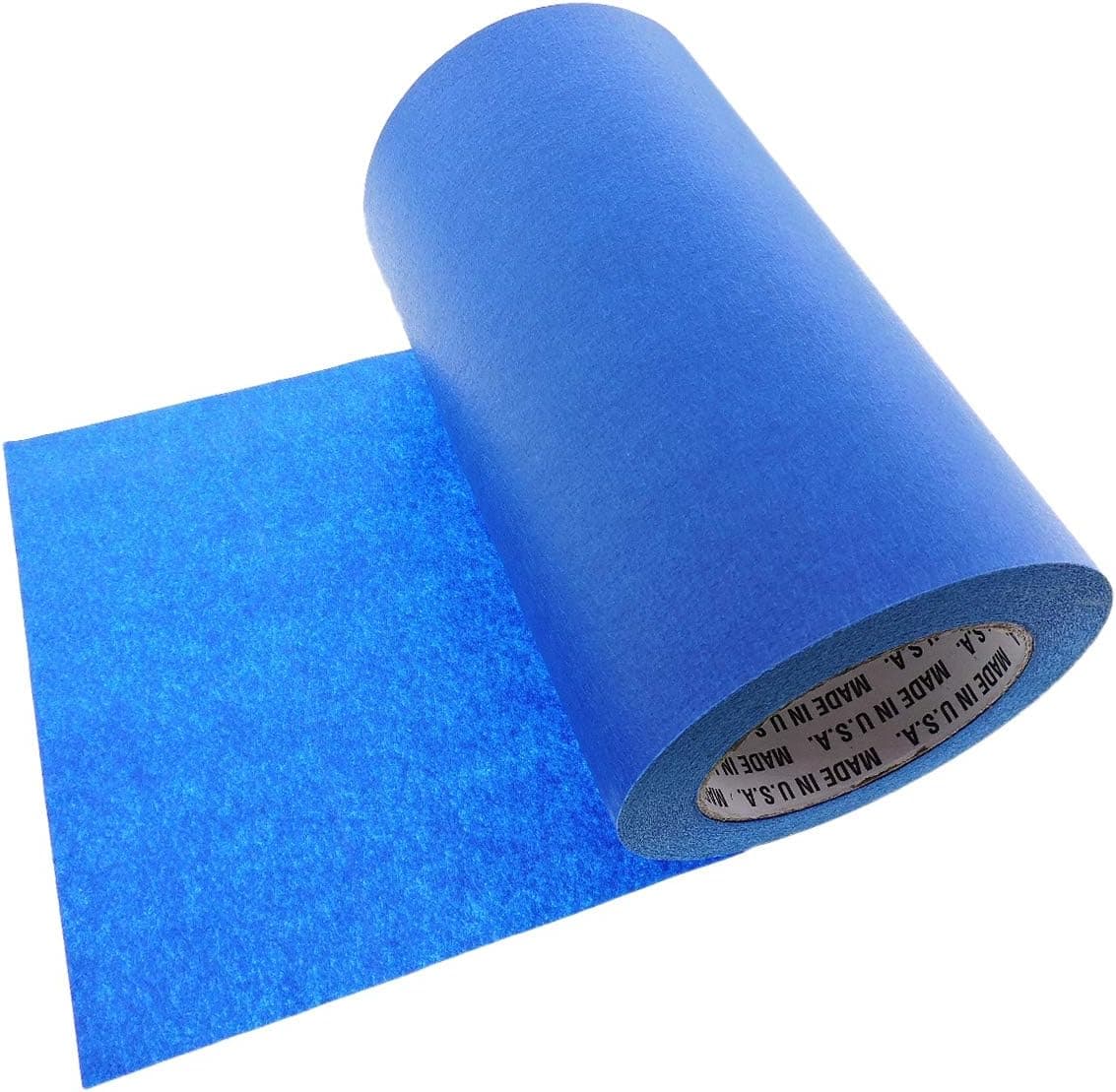
+ 9 inch width covers a standard bed with fewer seams
From our guide: Best Painters Tape for Reliable PLA Adhesion (2026)
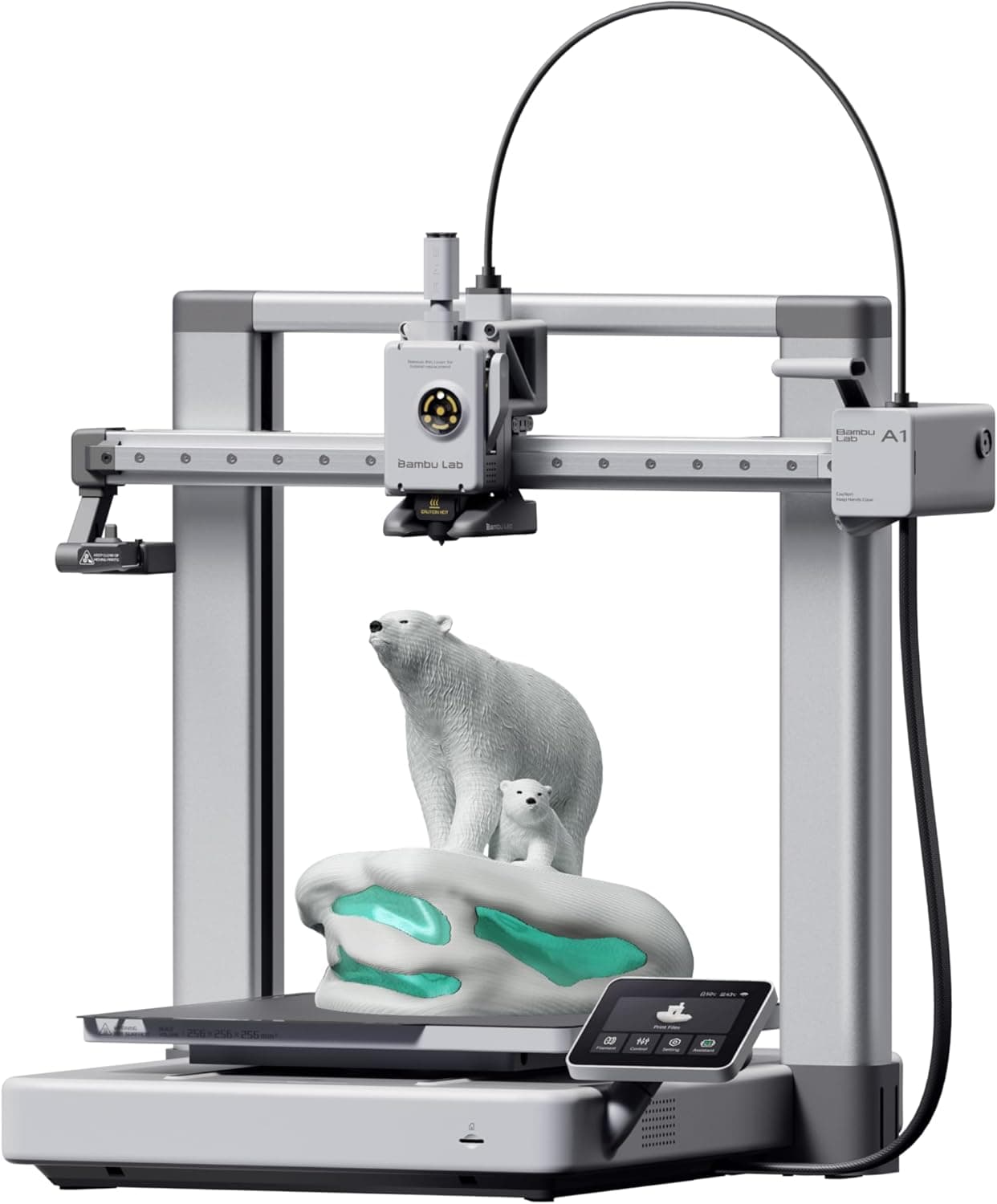
+ Full-auto calibration handles leveling, flow and vibration tuning
From our guide: Best FDM 3D Printers for Reliable Everyday Prints (2026)
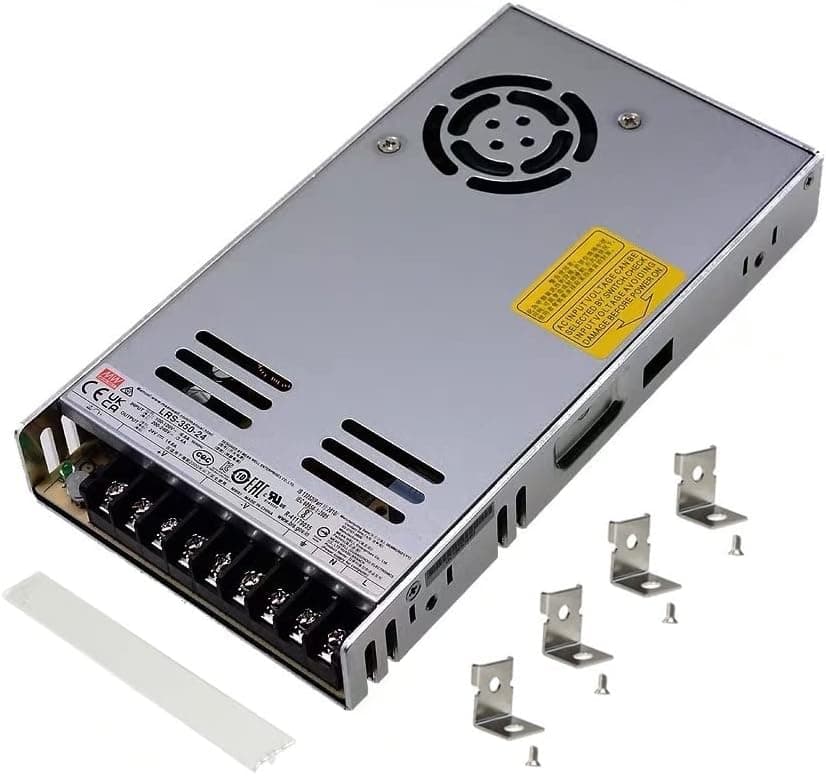
+ Terminal cover protects against accidental contact with mains wiring
From our guide: Best 3D Printer Power Supplies for Stable Power (2026)
Daily: the quick basics
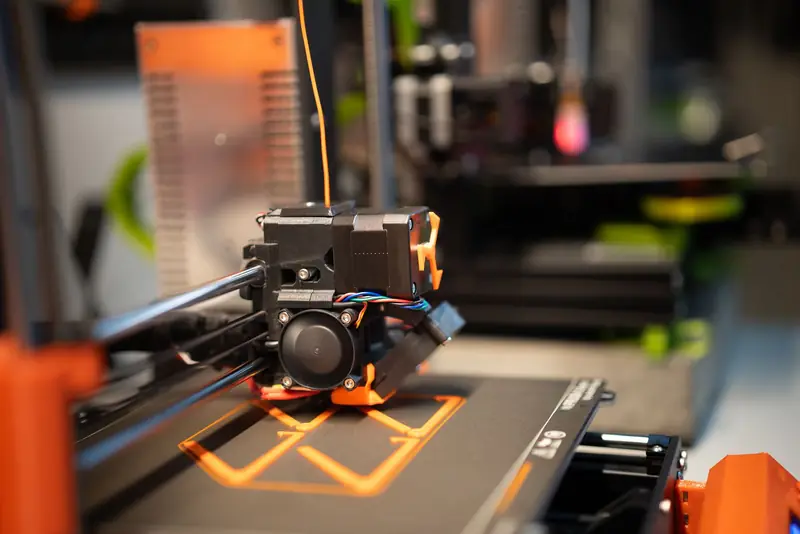
Before or after each print, do the quick basics. Wipe the build plate clean of grease and old adhesive so the next first layer sticks. Clear any plastic ooze or blobs from the nozzle tip. Glance at the first layer as it prints, since it is the earliest warning that leveling, adhesion, or flow has drifted. These take seconds and prevent a large share of failed prints.
Weekly: the mechanical basics
Weekly or every several prints, check the mechanical basics. Feel the belts for tension, since a loose belt causes layer shifts and ringing. Wiggle the print head and bed to check for play in the wheels or bearings. Make sure the nozzle and heater block have no growing blob of burnt plastic, which signals a loose nozzle. Confirm the hotend cooling fan and part-cooling fan both spin freely and are not clogged with dust.
Monthly: going deeper
Monthly or after heavier use, go deeper. Clean and re-lubricate the linear rails or smooth rods and lead screws with the appropriate grease or oil, never on the belts. Check and gently tighten frame bolts and eccentric nuts that hold wheels snug, being careful not to overtighten. Inspect the Bowtube and its fittings for wear, and look at the nozzle for signs of erosion if you print abrasive filaments.
Consumables wear out on their own timetable
Consumables wear out on their own timetable, so track them. Nozzles dull, especially brass ones with abrasive filament, and a worn nozzle degrades quality gradually until you notice. The PTFE liner in some hotends degrades with heat over time and causes clogs. Build surfaces lose their grip as the coating wears. Replacing these proactively is cheaper than the failed prints and troubleshooting they cause when they fail mid-job.
Keep the electronics and environment healthy too
Keep the electronics and environment healthy too. Dust off the mainboard and power supply fans so they do not overheat, and make sure vents are clear. Keep the printer out of dusty or humid spots, and store filament sealed so it stays dry between prints. Writing down what you did and when turns maintenance from a scramble into a predictable habit, and a well-kept printer simply fails far less often.
Adapt the schedule to how hard you run the machine
Adapt the schedule to how hard you actually run the machine. A printer working nearly around the clock needs checks far more often than one used on weekends, and abrasive or high-temperature materials accelerate wear on nozzles, liners, and surfaces. Watch print quality as your early warning system: a gradual decline in surfaces, adhesion, or dimensional accuracy usually means some maintenance item is quietly due.
Frequently asked questions
What 3D printer maintenance should I do daily? Wipe the build plate of grease and old adhesive, clear any nozzle ooze, and watch the first layer print, since it is the earliest warning that leveling or flow has drifted.
How often should I check my printer's belts? Weekly or every several prints. Feel for tension, since a loose belt causes layer shifts and ringing, and wiggle the head and bed to check for play in the wheels.
How do I know when to replace my nozzle? Watch print quality: a gradual decline in surface finish, adhesion, or dimensional accuracy usually means a worn nozzle or another consumable is quietly due, especially with abrasive filament.
What monthly maintenance does a 3D printer need? Lubricate linear rails and lead screws with appropriate grease, gently tighten frame bolts and eccentric nuts, and inspect the Bowden tube and nozzle for wear.
Quick answers
How often should I maintain a 3D printer?
Clean the build plate every few prints, check belts and screws monthly, and clean or replace the nozzle and lubricate rods every few months depending on how much you print.
Popular right now
- 3D Printing Supports GuideArticle
- Best Resin 3D Printers for Sharp, Detailed Models (2026)Buying guide
- Best PTFE Tubing for Smooth Filament Feeding (2026)Buying guide
- Best Beginner 3D Printers for a Smooth First Print (2026)Buying guide
- 3D Printer Filament Temperature ChartArticle
- Best Budget 3D Printers for Value Under Pressure (2026)Buying guide
Based on the last 28 days of search and visitor data.