How to Fix Stringing in 3D Prints
Published How we research
Stringing is the thin wispy hairs that stretch between separate parts of a print as the nozzle travels through open air. It happens because molten plastic keeps oozing out of the nozzle when it should not. The two biggest causes are too little retraction and too high a temperature, and both are easy to test systematically.
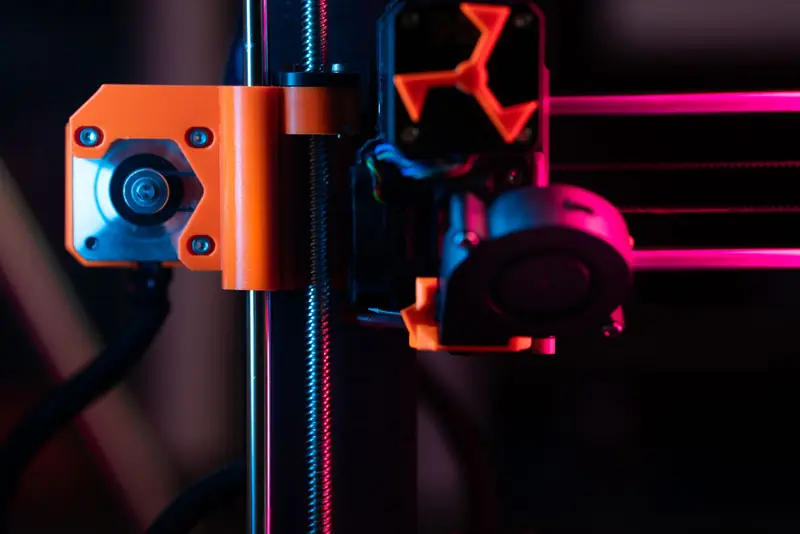
Retraction pulls filament back a short distance when the nozzle moves between features, relieving pressure so plastic stops flowing. If you see strings, increase retraction distance in small steps. Direct-drive extruders usually need only 0.5 to 2 mm, while Bowextruders need more, often 3 to 6 mm, because the long tube absorbs some of the motion. Retraction speed also matters, and around 25 to 45 mm per second is a reasonable starting range.
Temperature has a strong effect because hotter plastic is runnier and oozes more freely. Printing at the low end of a filament's recommended range reduces stringing, so if strings persist, drop the nozzle temperature by 5 C and reprint. A temperature tower is the fastest way to find the sweet spot, showing you the lowest temperature that still gives clean layers and good adhesion.
Wet filament is an underrated cause of stringing that no retraction setting can fully fix. Moisture trapped in the plastic turns to steam in the hotend, bubbles out, and drags fine strands with it, often accompanied by popping or crackling sounds. PETG and nylon are especially prone. If a fresh spool suddenly strings badly, dry it at the manufacturer's recommended temperature and store it with desiccant.
Travel settings help the extruder outrun the ooze. Enabling combing keeps travel moves within the printed area so any stray plastic lands where it will be covered. Raising travel speed means the nozzle spends less time crossing gaps, giving oozing plastic less time to form a string. Some slicers also offer wipe and coasting options that ease pressure before a travel move.
Do not overlook hardware. A worn nozzle, a loose fitting on a Bowtube, or a partial clog can cause uneven pressure that mimics stringing. After tuning, print a small stringing test model with two towers separated by a gap. Change one variable at a time between prints, and the offending hairs usually disappear within a few iterations.
Keep in mind that a small amount of stringing is normal and easily cleaned up with a quick pass of a heat gun or a careful brush of the parts. Chasing absolute perfection can push settings so far that other quality suffers, such as under-extrusion from excessive retraction. Aim for strings fine enough to wipe away rather than a totally hair-free print, and you will get clean results without over-tuning the machine.
Popular right now
- 3D Printing Supports GuideArticle
- Best Resin 3D Printers for Sharp, Detailed Models (2026)Buying guide
- Best PTFE Tubing for Smooth Filament Feeding (2026)Buying guide
- Best Beginner 3D Printers for a Smooth First Print (2026)Buying guide
- 3D Printer Filament Temperature ChartArticle
- Best Budget 3D Printers for Value Under Pressure (2026)Buying guide
Based on the last 28 days of search and visitor data.