How to Clear a Clogged Nozzle on Your 3D Printer
Published How we research
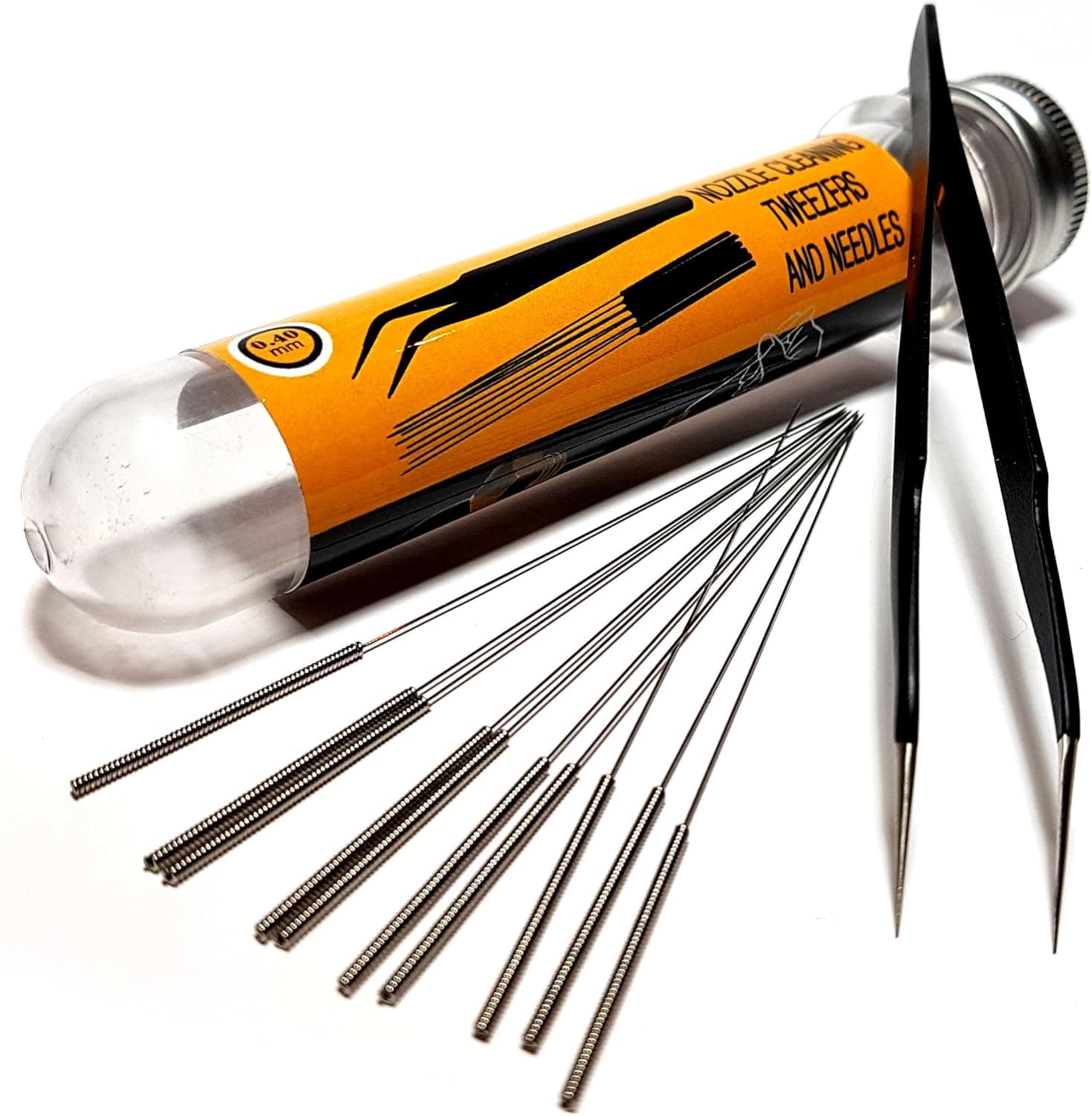
A clogged nozzle shows up as under-extrusion, skipped lines, clicking from the extruder, or a complete stop in plastic flow. Clogs come in two forms: a partial blockage that restricts flow and a full blockage that stops it entirely. Diagnosing which you have guides the fix, so watch whether plastic still oozes slowly or not at all when you push filament by hand at printing temperature.
Products from this article
The highest-scoring picks from the buying guides this article links to. Scores are our editorial assessment, not customer ratings.
+ 0.15-1 MM range covers fine detail and large nozzles alike
From our guide: Best Nozzle Cleaning Kits to Clear Clogs Fast (2026)
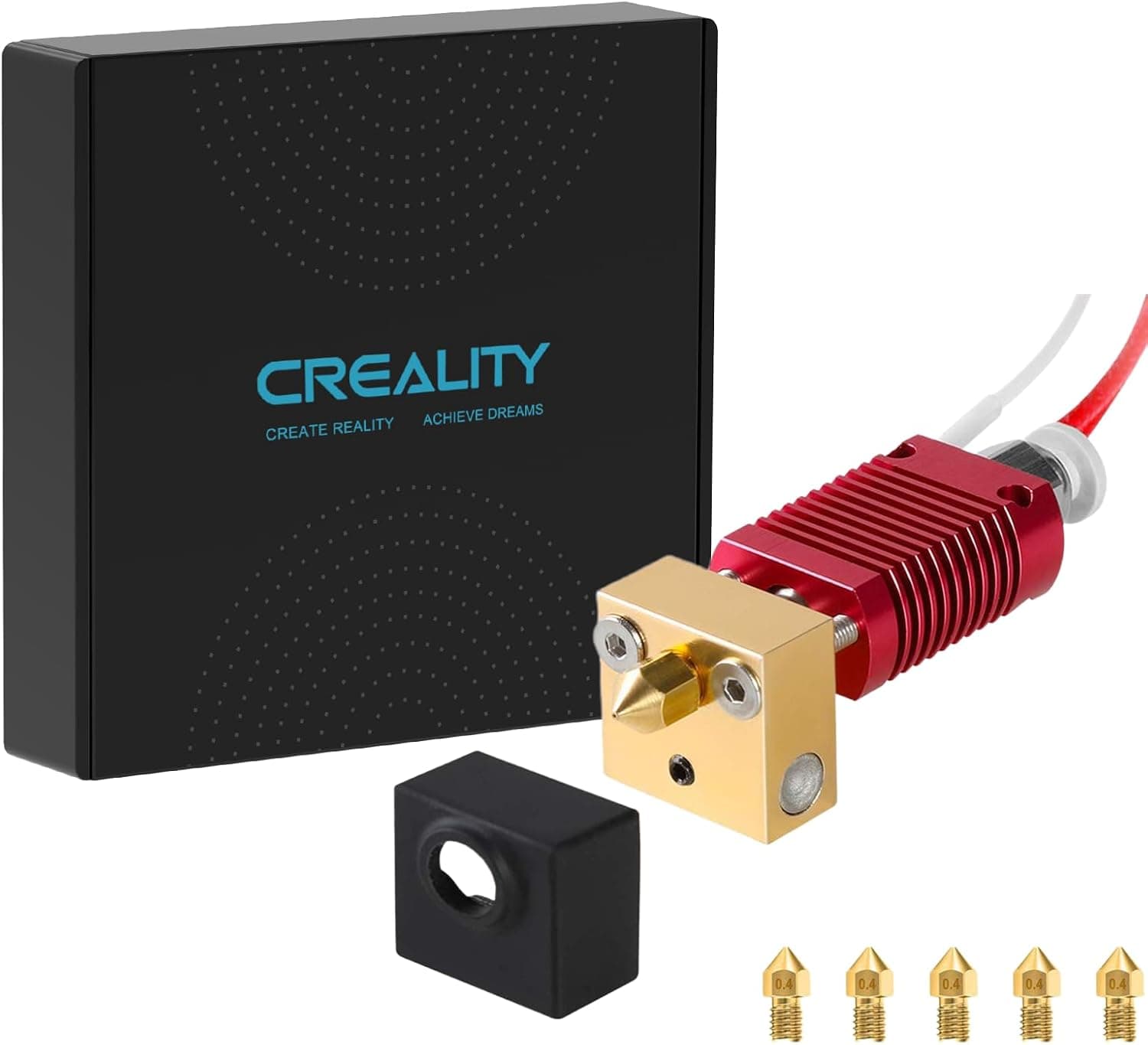
+ 5X spare nozzles included, so the kit covers future clogs too
From our guide: Best Hotends for Reliable, High-Flow 3D Printing (2026)
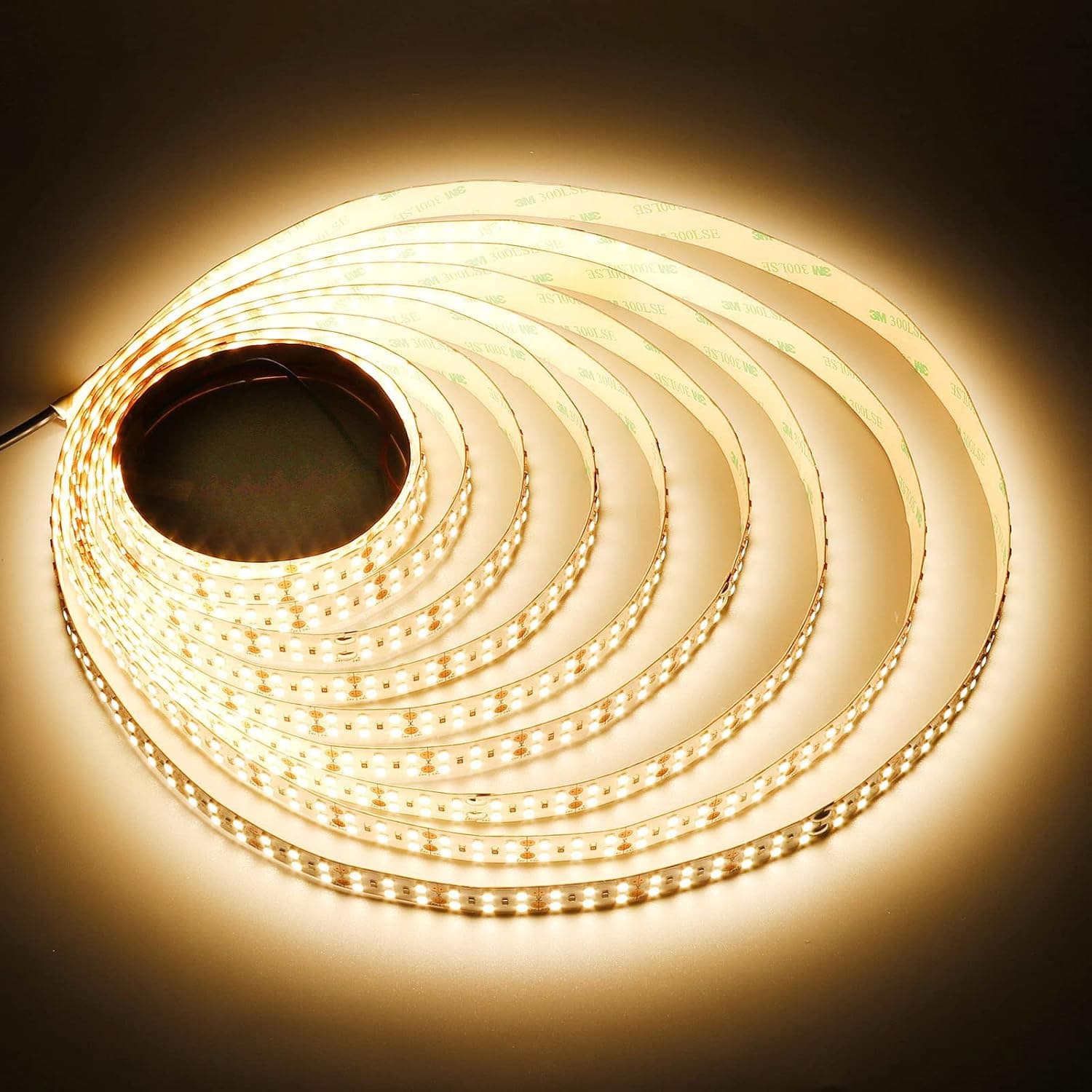
+ 24V strip can often run from a printer's own power supply
From our guide: Best LED Strips for Bright 3D Printer Lighting (2026)
+ Drill bits plus needles give two ways to deal with tough clogs
From our guide: Best Nozzle Cleaning Kits to Clear Clogs Fast (2026)
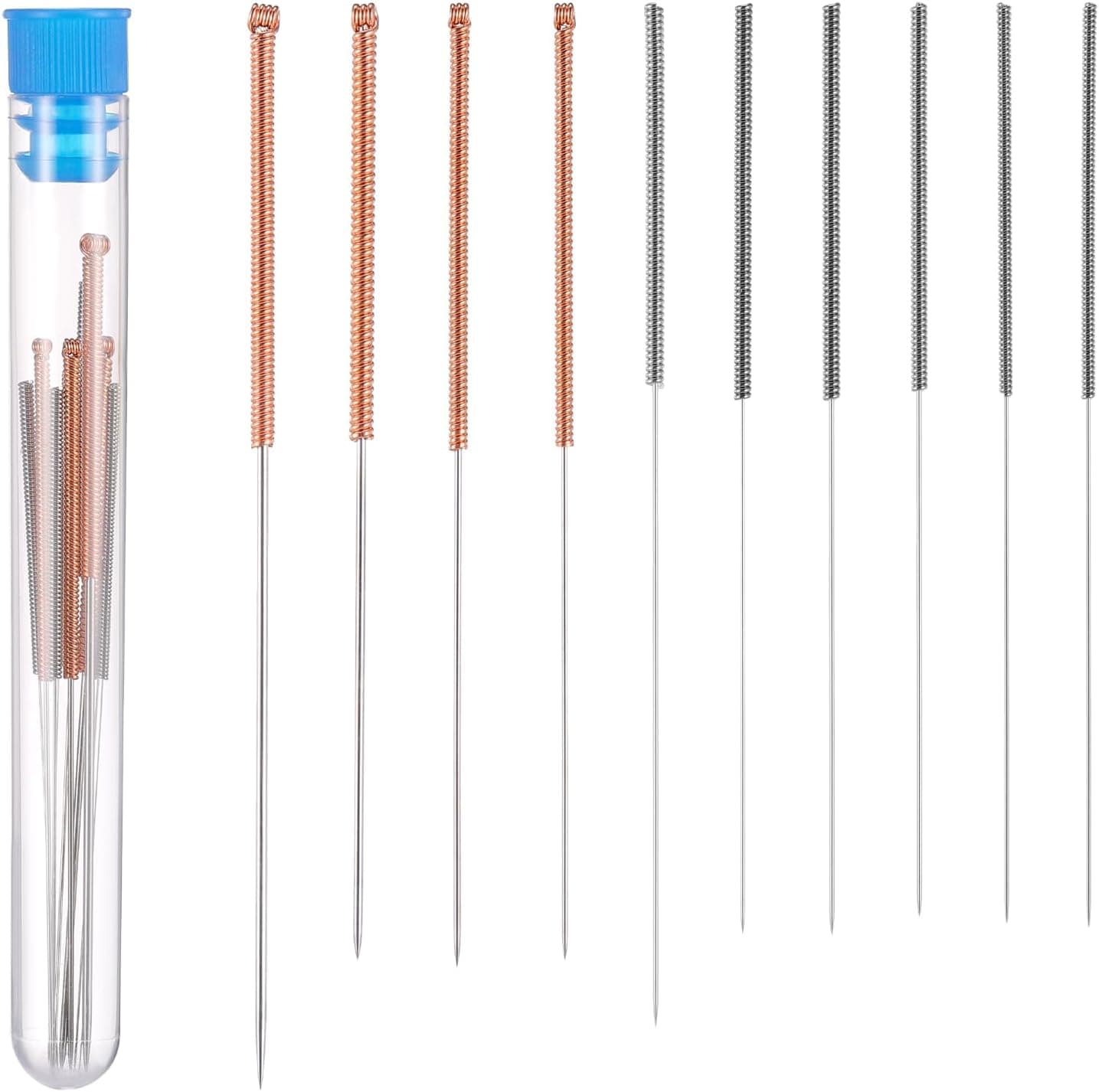
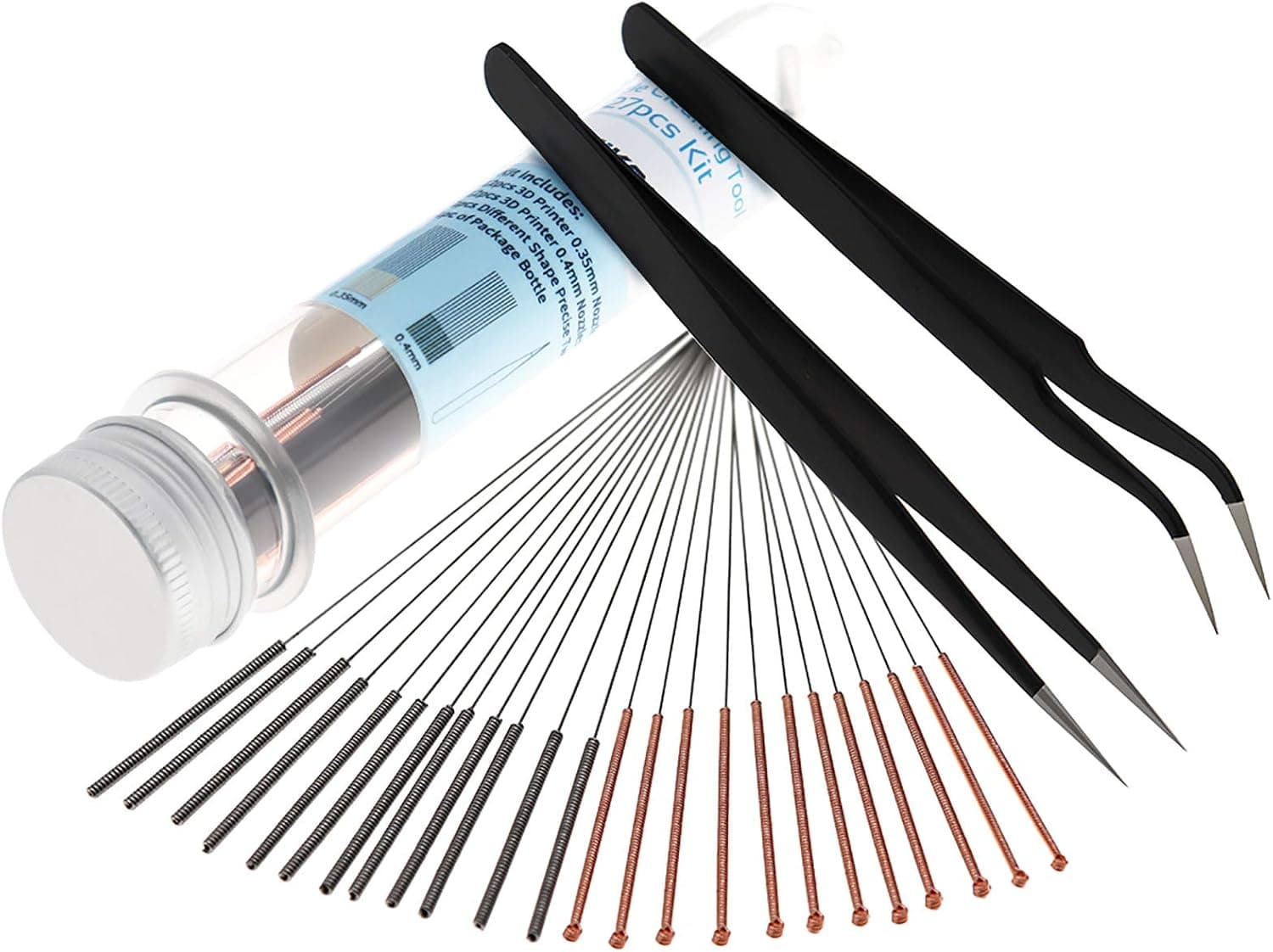
For a minor clog, the fastest fix is a needle while the hotend is hot. Heat to printing temperature, then push a fine cleaning needle or a strand of guitar wire up through the nozzle tip to break loose the obstruction. Follow with a manual extrusion to flush the debris out. Work carefully, because forcing an oversized needle can damage the nozzle bore.
The cold pull, sometimes called an atomic pull, clears clogs higher in the hotend. Heat the nozzle, insert a length of cleaning filament or nylon and push until it extrudes, then let the hotend cool to around 90 C for PLA. Pull the filament out firmly in one motion. The cooled plug drags out carbonized bits and debris, and repeating until the pulled tip comes out clean usually restores flow.
Full clogs sometimes need disassembly. If pushing filament produces nothing and cold pulls fail, remove the nozzle while hot with a wrench and inspect it. A nozzle blocked with baked-on plastic can be soaked, burned clean carefully with a torch (metal nozzles only), or simply replaced, since nozzles are cheap and a fresh one saves time.
Prevention beats repair. Most clogs come from debris, dust, or degraded plastic. Keep filament clean and dry, use a filament filter or sponge to catch dust, and avoid leaving the hotend sitting hot and idle for long periods, which cooks plastic into carbon. Do not mix wildly different temperature materials without purging thoroughly between them.
Watch for heat creep, a common clog cause where heat travels too far up the throat and softens filament before it reaches the melt zone, jamming it. This shows as clogs that appear partway into prints, especially with PLA. Check that the heatsink fan runs whenever the hotend is hot, and make sure the throat and heatbreak are clean and properly tightened. Reliable cooling above the melt zone prevents a whole category of frustrating mid-print jams.
Keep a few spare nozzles and a cleaning kit on hand so a clog never stalls a project for long. A brass nozzle costs very little, and swapping a fresh one in is often faster than fully rescuing a badly baked clog. Combined with clean, dry filament and reliable heatsink cooling, cheap spares turn what could be an hour of fiddling into a five minute fix that gets you printing again.
Popular right now
- 3D Printing Supports GuideArticle
- Best Resin 3D Printers for Sharp, Detailed Models (2026)Buying guide
- Best PTFE Tubing for Smooth Filament Feeding (2026)Buying guide
- Best Beginner 3D Printers for a Smooth First Print (2026)Buying guide
- 3D Printer Filament Temperature ChartArticle
- Best Budget 3D Printers for Value Under Pressure (2026)Buying guide
Based on the last 28 days of search and visitor data.